- ENGINEERING
- PRODUCT
Conductor Turns Every Agent Into an Agentic Workflow, So You Can Watch It Think and Act
 Maria Shimkovska Content Engineer
Every agent you build on Conductor compiles into a full agentic workflow.
Here’s what that means: normally, an agent is just code, a loop in your program that calls a model, reads its answer, and calls a tool if the model asks for one. On Conductor, that loop doesn’t stay hidden in your code’s loop somewhere.
Each piece of it becomes its own tracked step, called a task, inside what Conductor calls a workflow (its word for a sequence of steps that it runs and keeps a record of). The model’s reasoning also becomes a task. Every tool call becomes a task. Your agent stops being code running in memory and becomes a process Conductor itself can see, run, and manage, on the same engine behind the production systems people already trust for their workflows.
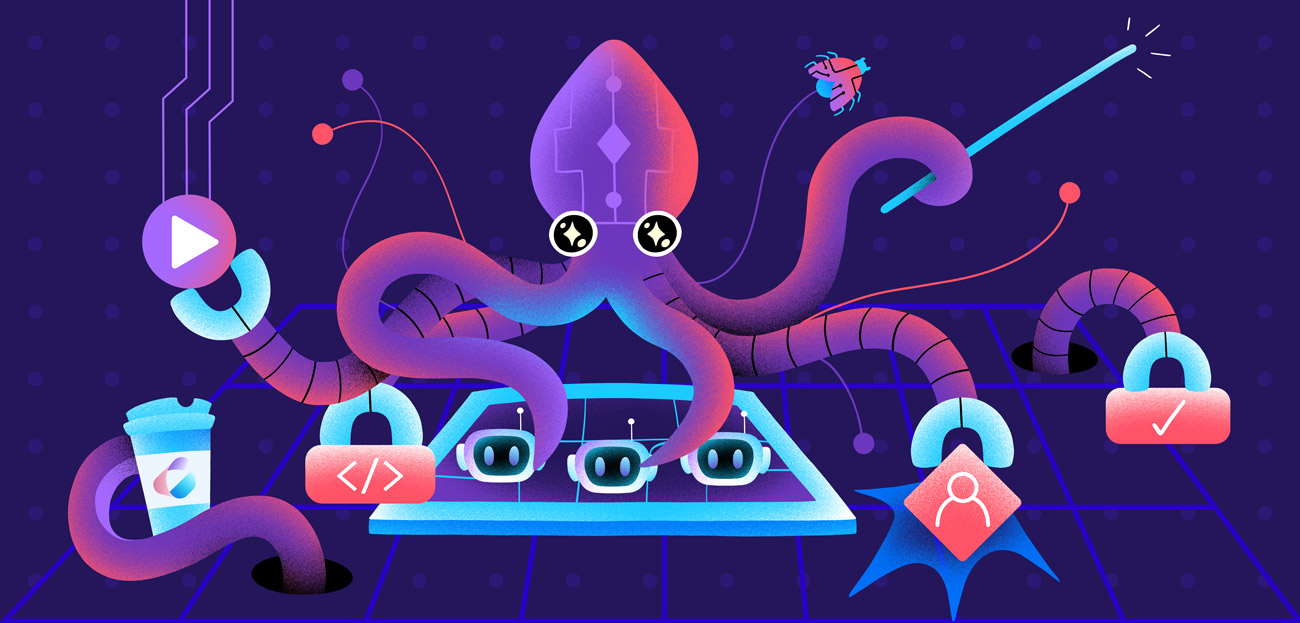
I love to think of this like an octopus now. Each of its eight arms has its own cluster of neurons, so it can taste, grip, and react on its own, almost like it’s thinking for itself, but every arm is still working toward the same goal, under one coordinating system. A compiled agent runs the same way: every tool call and every model turn is its own task, able to run, retry, or fail on its own, while the workflow above it keeps the whole thing moving toward one result.
And when an octopus loses an arm, it grows a new one, because the plan for that arm was never only in its head. It lived in the arm itself. A compiled agent recovers the same way. Its state, the conversation so far, which turn it’s on, which tool call it’s waiting on, lives in the workflow execution on Conductor’s server, not in the worker process running your code. Kill that process, and the execution is still sitting there, exactly where it stopped, waiting for a worker to pick it back up. 🙂🐙
That’s the whole idea. An agent you build on Conductor is an agentic workflow, compiled, running on the same durable engine behind millions of production workflows already. Here’s exactly how it works.

Create your free account to see for yourself
Deploy an agent, watch it compile into a workflow, and see every task it runs. Developer Edition is free for developers, always.

The agent becomes the workflow
Build your agent with Conductor’s SDK, or bring one from LangChain, LangGraph, the OpenAI Agents SDK, Google ADK, or Vercel AI SDK. Deploy it, and Conductor compiles your agent into a real workflow definition, the exact same kind you’d build by hand in the UI or through code. Concretely, that expansion looks something like this:
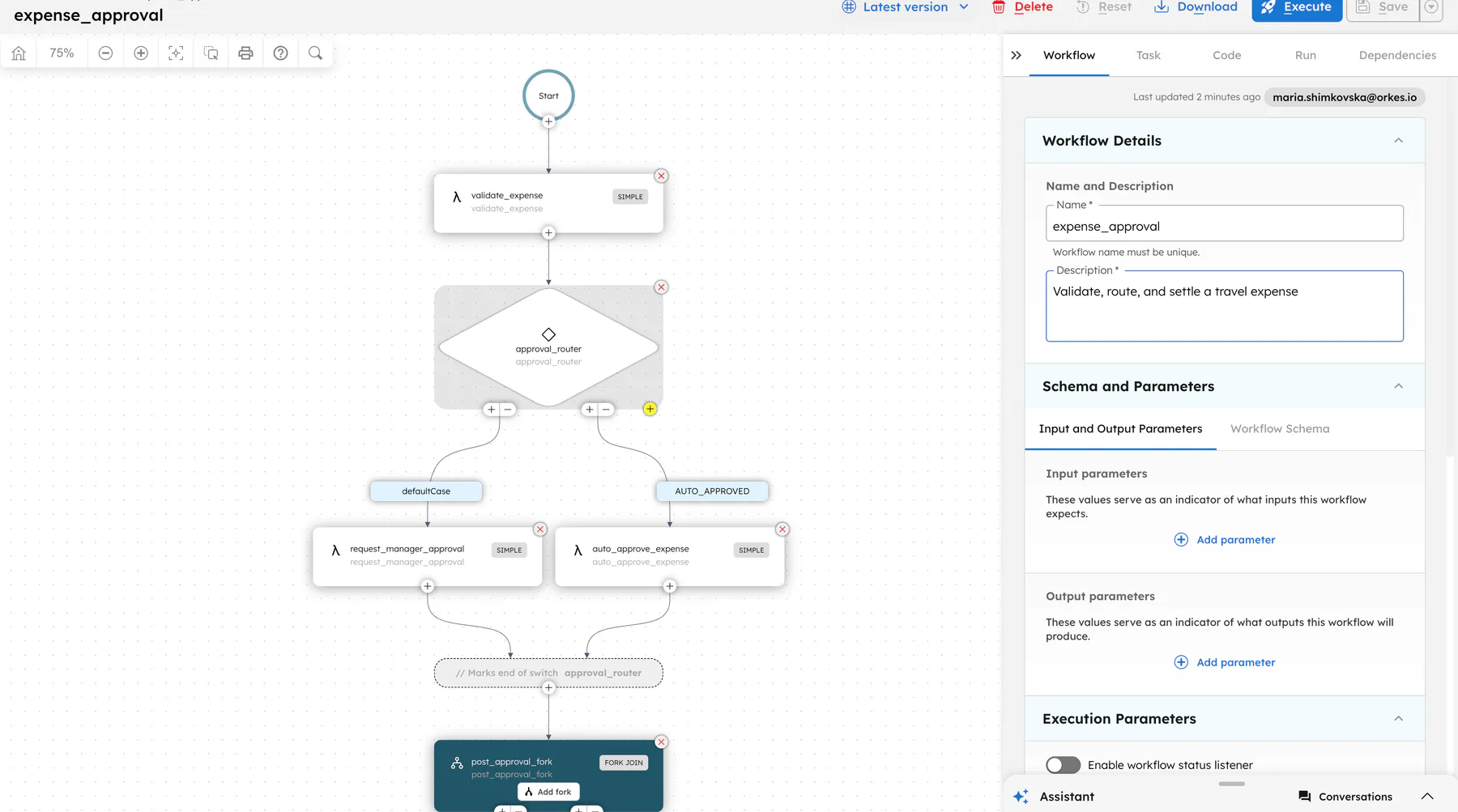
agent_init sets up state: history, turn count, toolsagent_loop DO_WHILE: keeps going while there's work left agent_llm calls the model guardrails checks the response against your rules tool_router routes to whichever tools the model asked for tool_calls runs them, in parallel, each as its own task merge folds the results back into the conversationagent_output packages up the final resultThis is the actual workflow the server generates when you deploy your agent. It’s compiling the agent into a workflow, so it inherits what Conductor was already built for, years before agents were the point: durability and visibility, by default.
Watch it think, one task at a time
Honestly, this is how agents should run. Because the loop is a workflow, every model call and every tool call is its own task, with the real prompt, the real response, the real input, the real output. No scattered print statements, no reconstructing a timeline three days later, just a trace that’s already there.
That matters most on the day something goes wrong, but I find it just as important while I’m still building an agent: I can watch exactly how it’s behaving while I test it, instead of guessing from the final answer. You scroll the execution and watch it happen, turn by turn, decision by decision. Debugging goes from hours to minutes.
Add a step the model can’t skip
A model is nondeterministic. Ask it the same thing twice and you can get two different answers, which is exactly what you don’t want from a rule that’s supposed to hold every single time. So the stuff that actually has to happen the same way every time shouldn’t live in the model’s prompt at all. It should live outside the model, in something deterministic wrapped around it.
Because the agent is a workflow definition and not a black box, you can treat it like one. Want the agent to always notify your incident channel after a specific tool runs? Hook a step onto that tool in the agent’s definition and redeploy. It compiles straight into the workflow. Want one particular tool call to always get a human’s sign-off, no matter what the model decides? Attach an approval to that step, and the workflow stops there every time, whether the model asks for it or not. A prompt instruction is a suggestion. This isn’t. Want to give it a brand-new capability? Point a new tool at a function, an API, an MCP server, another agent, or a whole separate workflow, and redeploy.
None of this requires leaving the framework you already like. The LangChain or LangGraph agent you brought to Conductor is still that agent in your code. Conductor just gives the compiled version a place where you, or a teammate who’s never touched your agent code, can extend what it does without ever touching the model’s prompt.
A crash doesn’t cost you the run
On top of all that, because an agent’s run is a real workflow execution and not memory sitting inside some process, you get this for free:
- It survives crashes. The run picks up exactly where it left off, even if the worker handling it dies.
- It waits on humans. A risky action pauses for approval instead of failing or guessing.
- It retries smart. Just the failed step retries, not the whole conversation.
Agents calling agents, agents calling workflows, workflows calling agents
Any workflow can call a deployed agent by name, the same way it calls any other task. Need more than one agent working together? There are two ways to do it.
Compose them inside a single agent definition and give it a strategy: run several agents in sequence, fan them out in parallel and merge what comes back, route to whichever specialist actually fits the request, or let them hand off control to each other mid-conversation, like a support ticket getting escalated to the right person. A planning agent can front a whole team of specialists, a researcher, a writer, a reviewer, and each one is still fully visible as its own piece of the compiled workflow, not hidden inside the planner’s head.
Or keep them as separate, independently deployed agents and wire them together with ordinary workflow logic: a planner and a researcher running side by side in a fork-join, each with its own execution you can inspect on its own. It runs the other direction too: give an agent a whole workflow as one of its tools, and it can call that workflow the same way it calls a function or an API. Tools can come straight from an MCP server, and an agent can expose itself to, or call, another agent entirely outside Conductor over the open A2A protocol.
Nothing to rewrite and everything to gain
Native SDKs for Python, TypeScript, and Java, all open source. Connections for the frameworks you already use. Free to build on, so the only thing between you and a durable agent is deploying it through Conductor.
Don’t just take my word for it
- Build your first agent: a working agent on a local server in minutes
- Build a workflow: a durable workflow set up in minutes
- ⭐️ conductor-oss/conductor on GitHub, give it a star if you want to show the repo some love
- All developer resources: docs, community, and everything else in one place
Build one yourself and see it for real. It’s one of those things that clicks the moment you watch it run.
Got questions about any of this? Find me on LinkedIn, I’m happy to talk through it.
Orkes Conductor Developer Edition
Your first agentic workflow is 5 minutes away. Everything you need is already there.